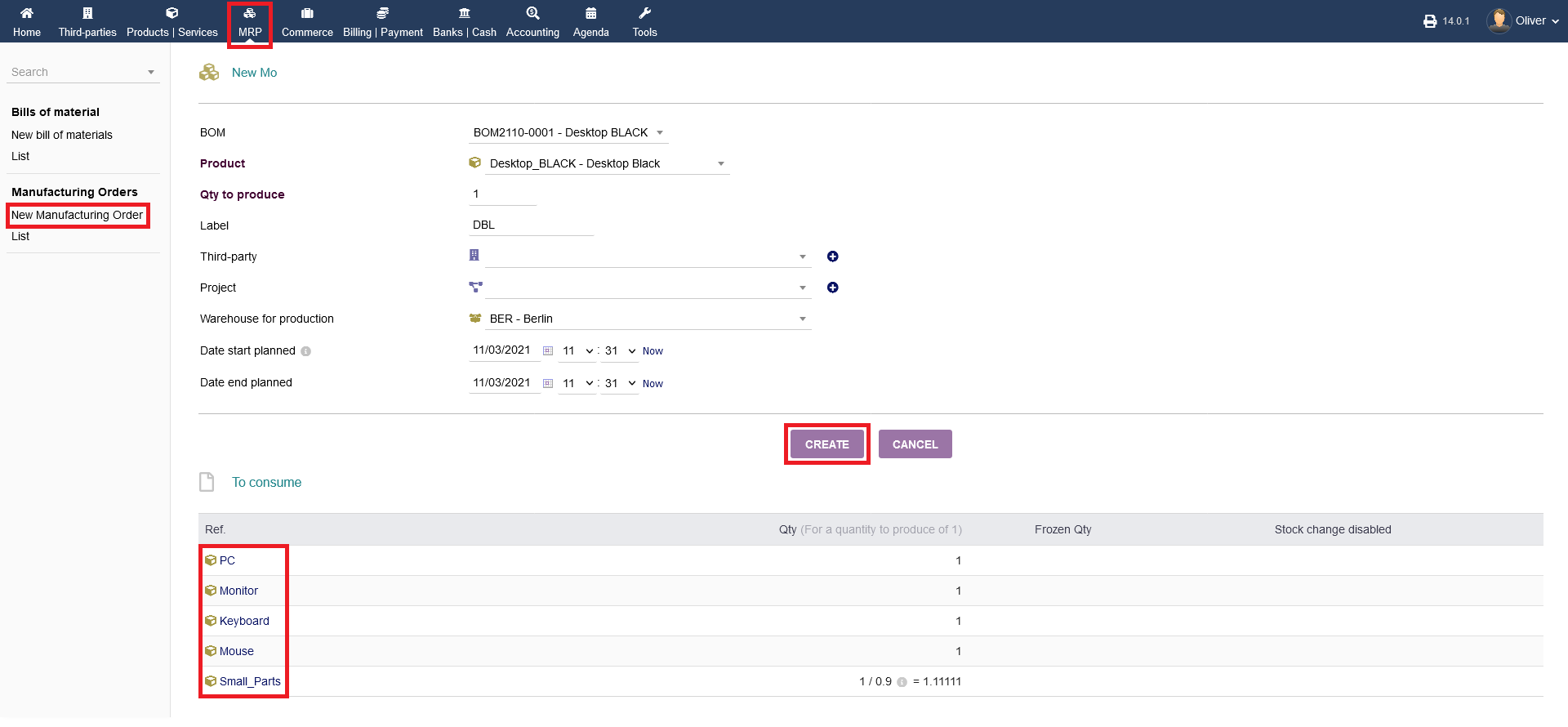
Overview :
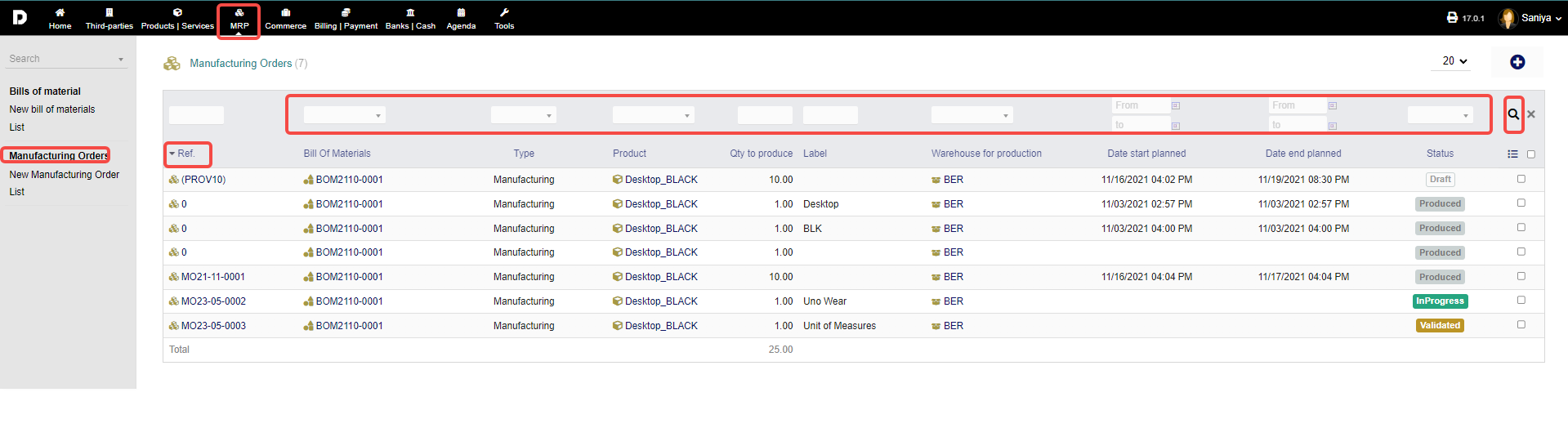
To get an overview of your different processes regarding manufacturing orders, click on "MRP -> Manufacturing Orders" or on "MRP -> Manufacturing Orders -> List".
Both will show the same content. There, you will see a listing of all processes either drafted once, manufacturing orders in process or produced (that means finished) orders.
To get further information about a process, by clicking on the "Ref". from the header option, you also can filter your listings with the filter/search functionality on top, as usual. As shown in the image below :
New Manufacturing order : To create a new manufacturing order click on "MRP -> Manufacturing Orders -> New Manufacturing Order" . To know how to create a New Manufacturing Order follow this article.