Overviews :
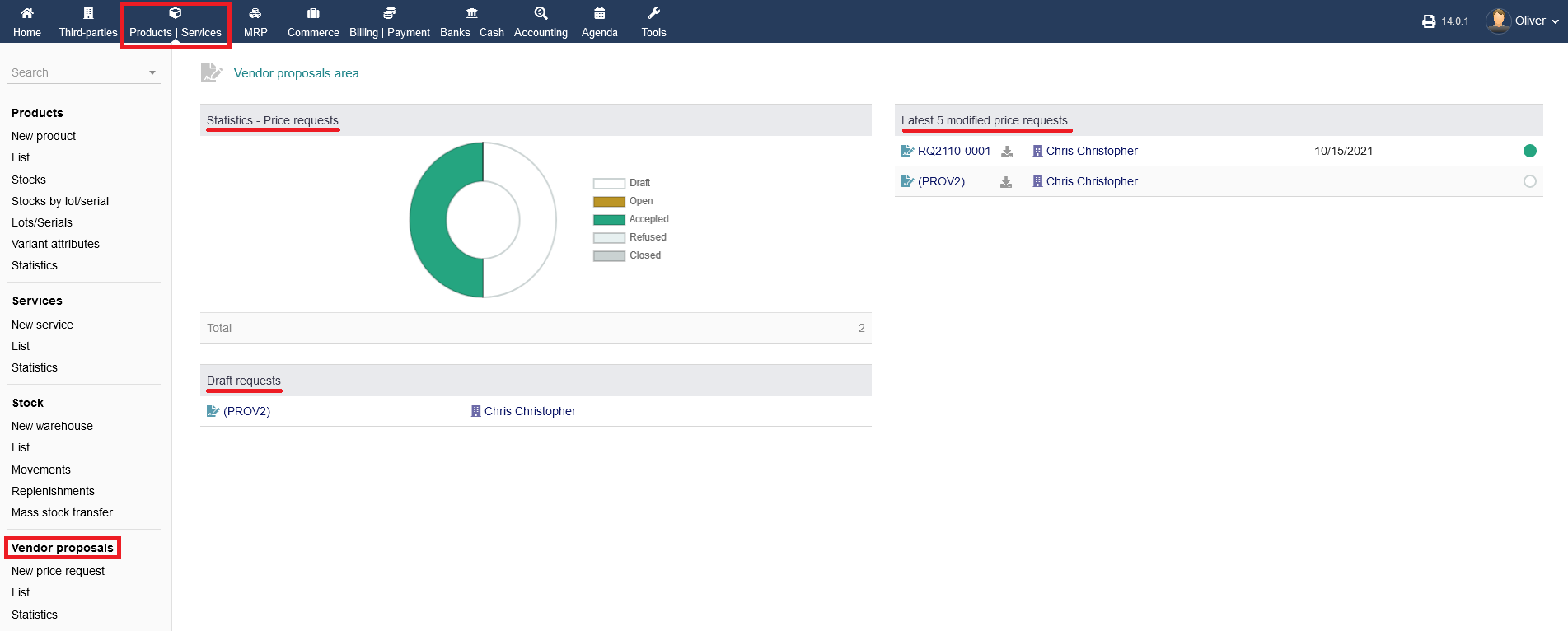
To see the overview of Vendor proposals on "Products/Services" from the header menu then from the left menu items you can click on " Vendor proposals " section . intERP is offering three different overview areas.
Go to "Products/Services -> Vendor proposals" to get a general birds eye view regarding "Statistics" for price requests, any "Draft requests" and "Last 5 modified price requests".
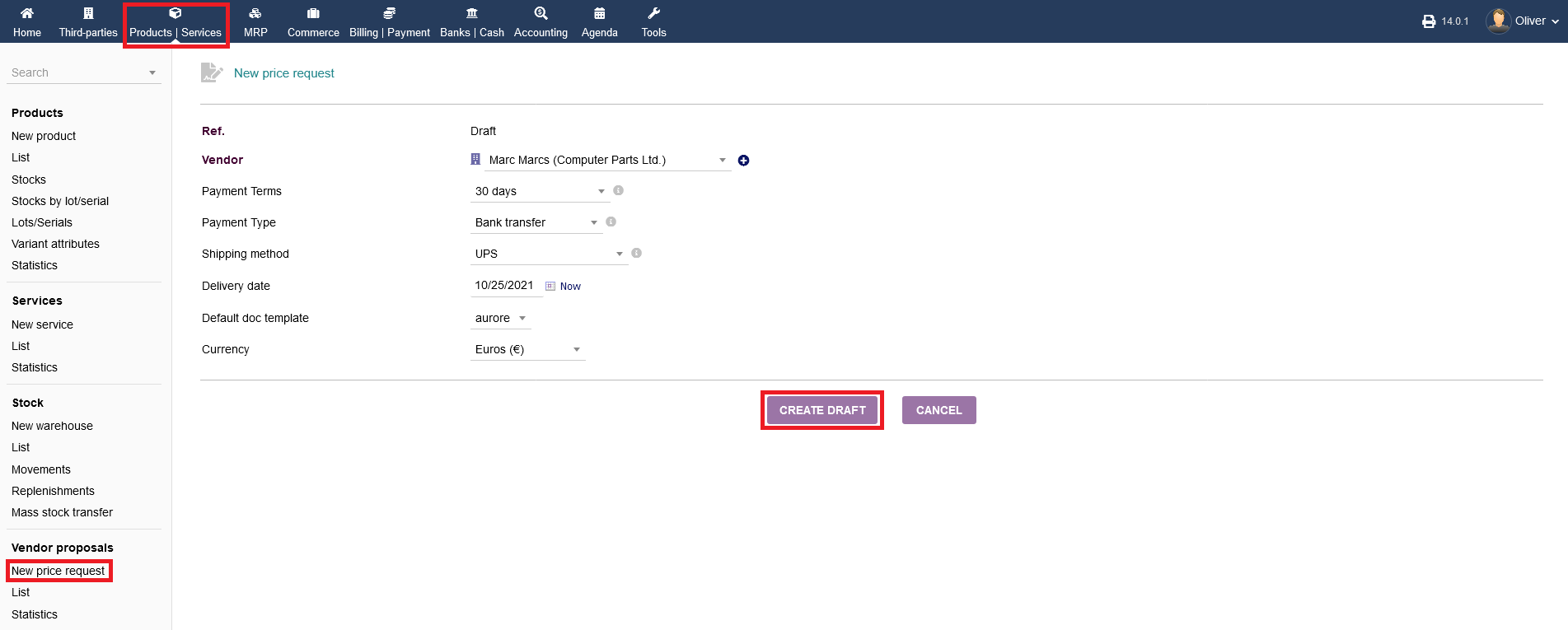
New price Request : Go to "Product/Services -> Vendor proposals ->New price Request " from the left menu a page will appear which will allow you to create a New price Request See how to create an New price Request.
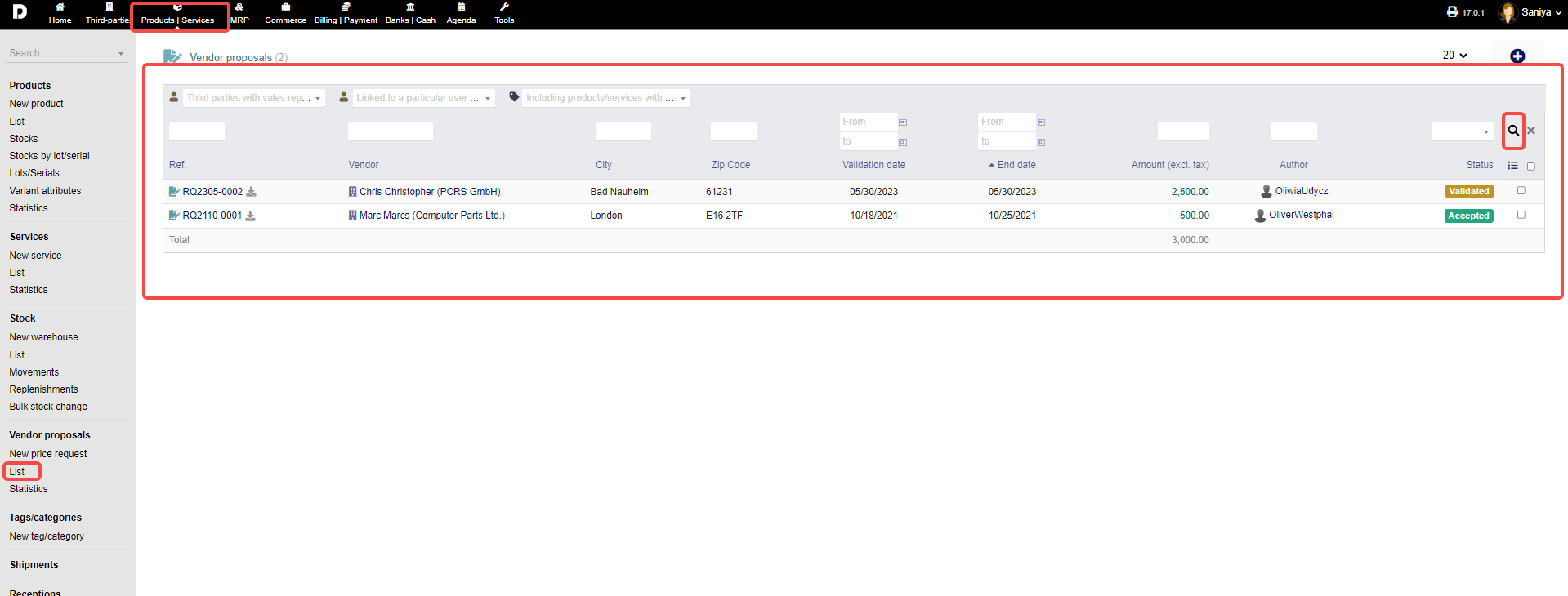
List : Go to "Products/Services -> Vendor proposals -> List" to get a view of a list of vendor proposal requests.
Here you have again the option to filter/sort your request listing by choosing your desired parameters and clicking the "magnifier" icon in the end.
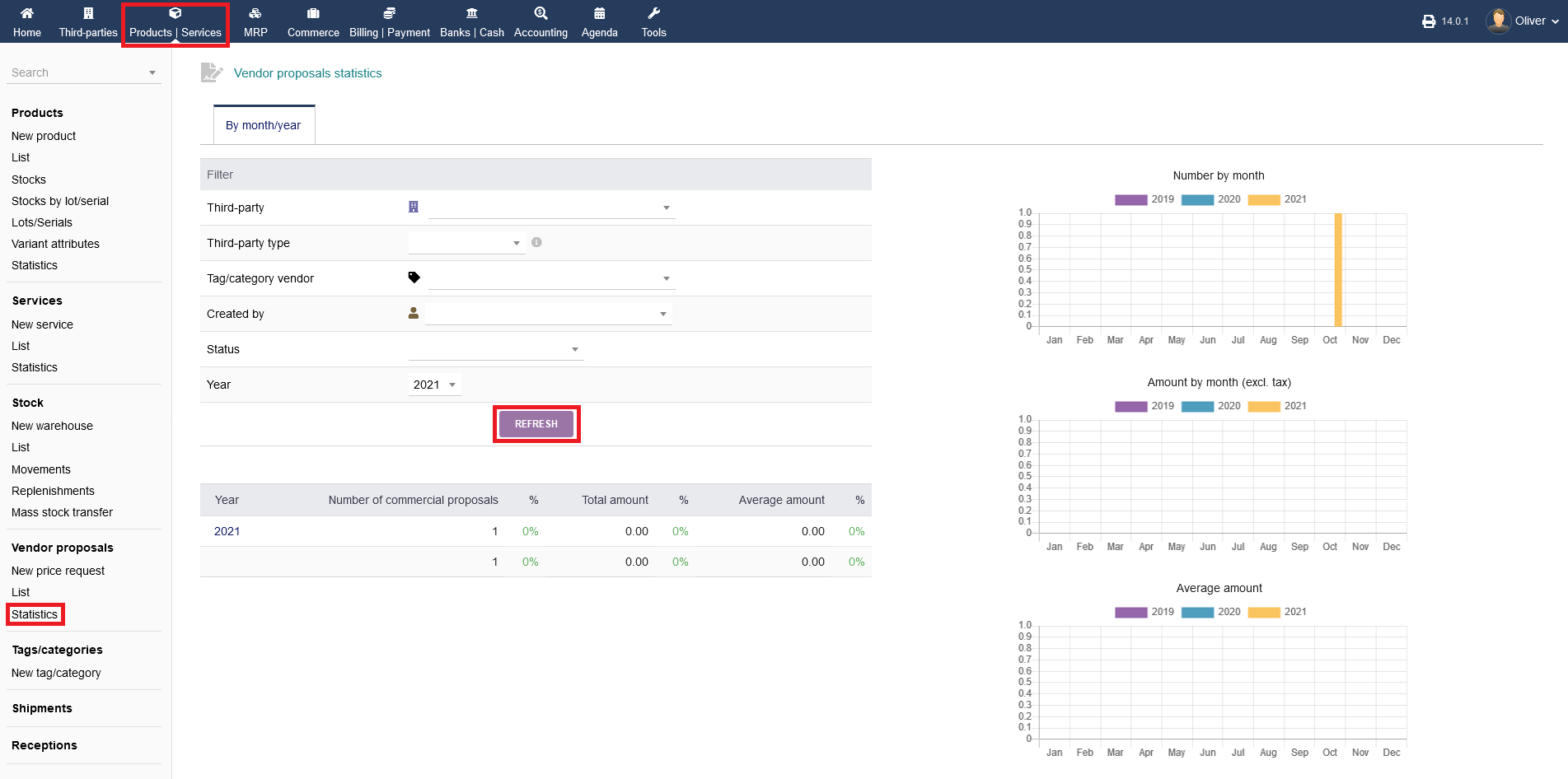
Statistics : Lastly, click on "Products/Services -> Vendor proposals -> Statistics" to get an in-depth overview where you can modify your statistics screen by selecting different parameters in your filter section. Click "REFRESH" to show the results according to your filter parameters.