Overview:
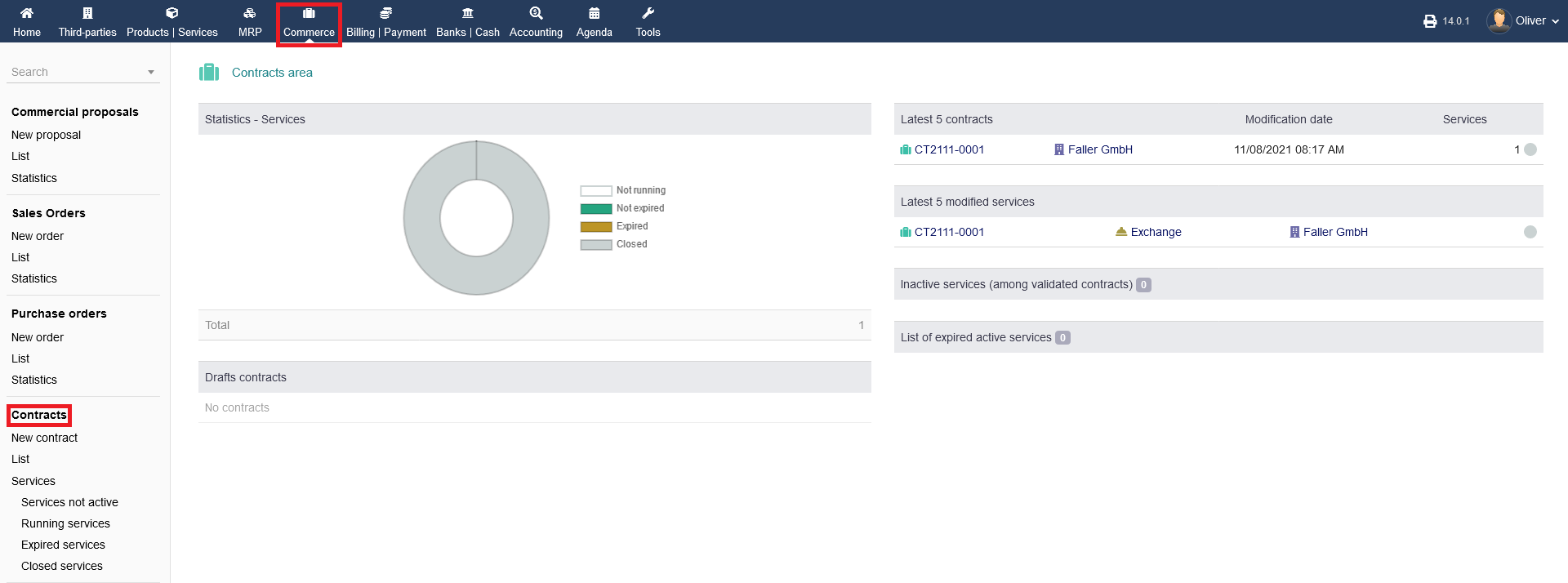
To see the overview of sales order click on "Commerce" from the header menu then from the left menu items you can click on "Contracts" section .
To get a general statistics over view, click on "Commerce -> Contracts". You will find different listings of your contracts, as well as a diagram showing of your contract statistics.
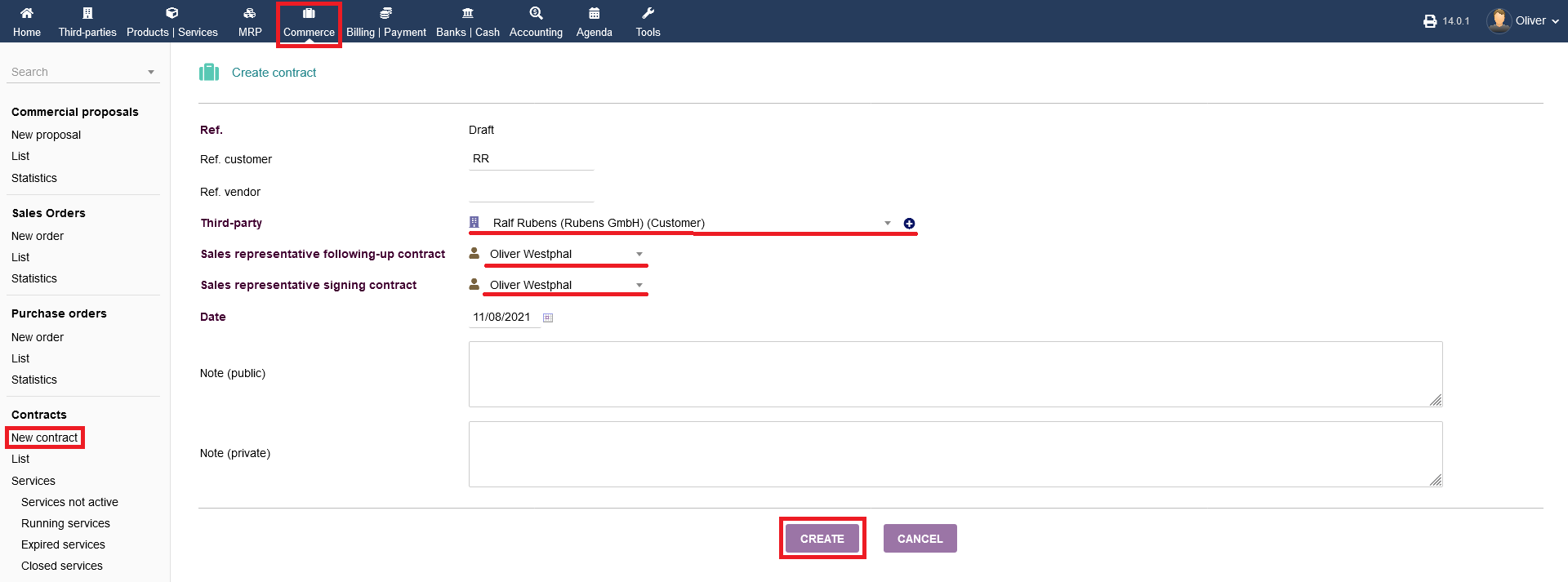
New contracts : To create a new contracts you can click on "Commerce -> Contracts ->New contract" from the left menu a page will appear which will allow you to create a new contract. See how to create an contract.
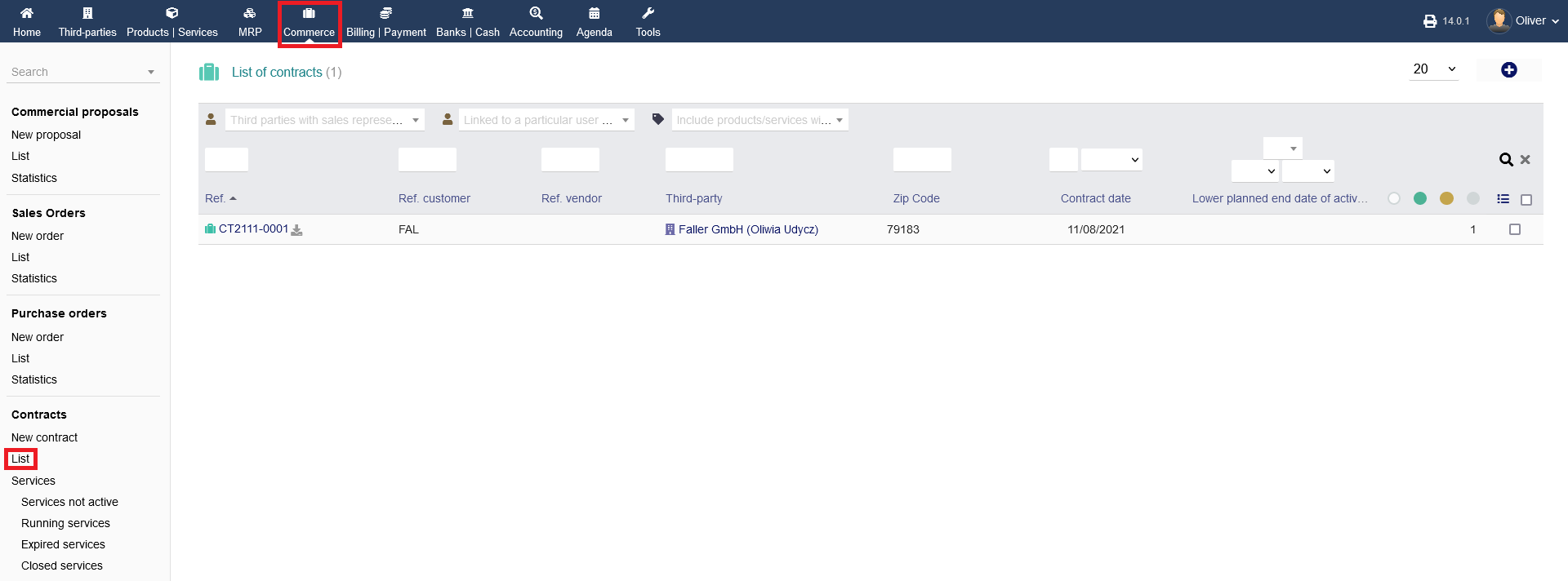
List : Choose the list view by clicking on "Commerce -> Contracts -> List", grants you a list of all contracts from draft to closed status.
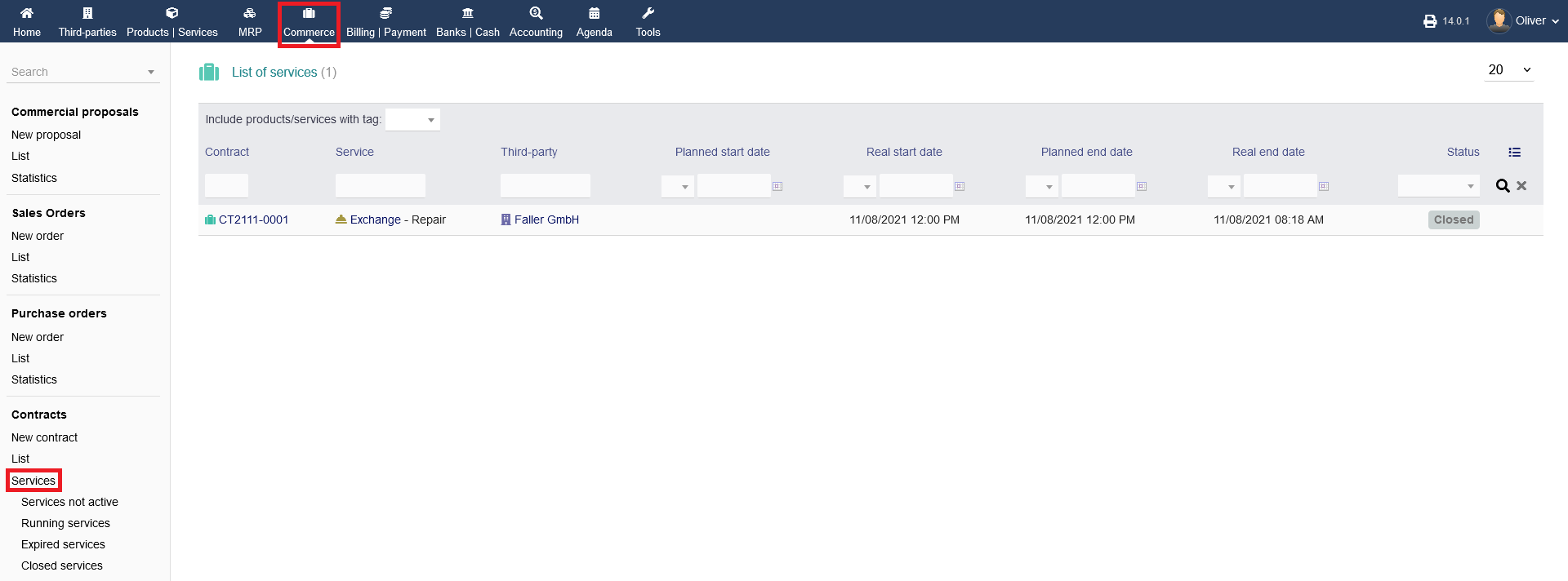
Finally, clicking on "Commerce -> Contracts -> Services" shows you all contracts sorted after services and their status. Note the status related sub-menu, if you want to show contracts with a specific status.