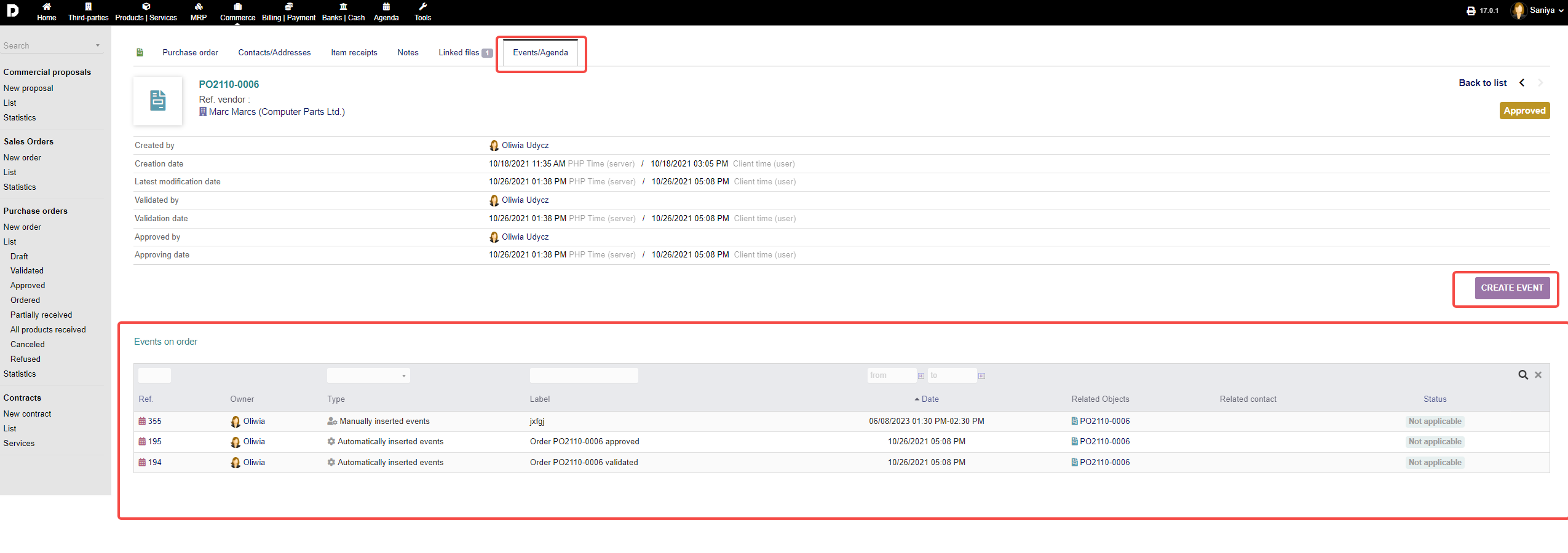
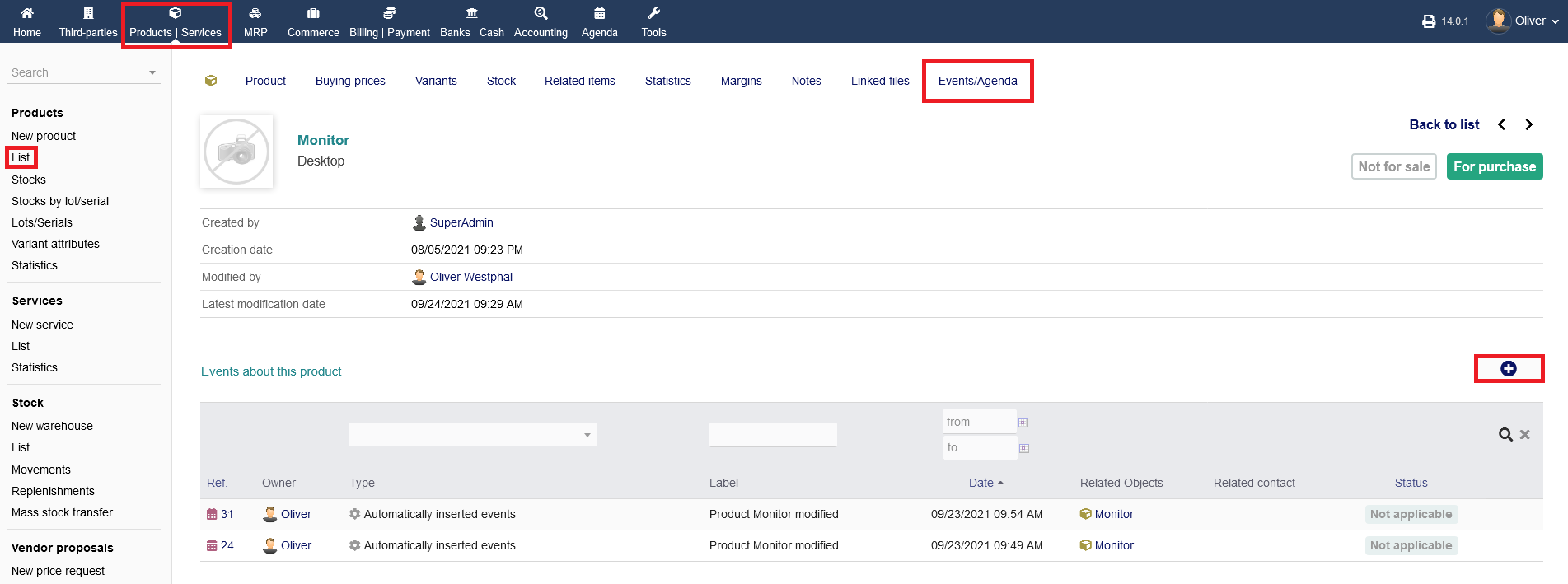
These 3 tabs are the most basic tabs and holds the same functionality thorough out the ERP system
Adding Notes Under Notes Tab:
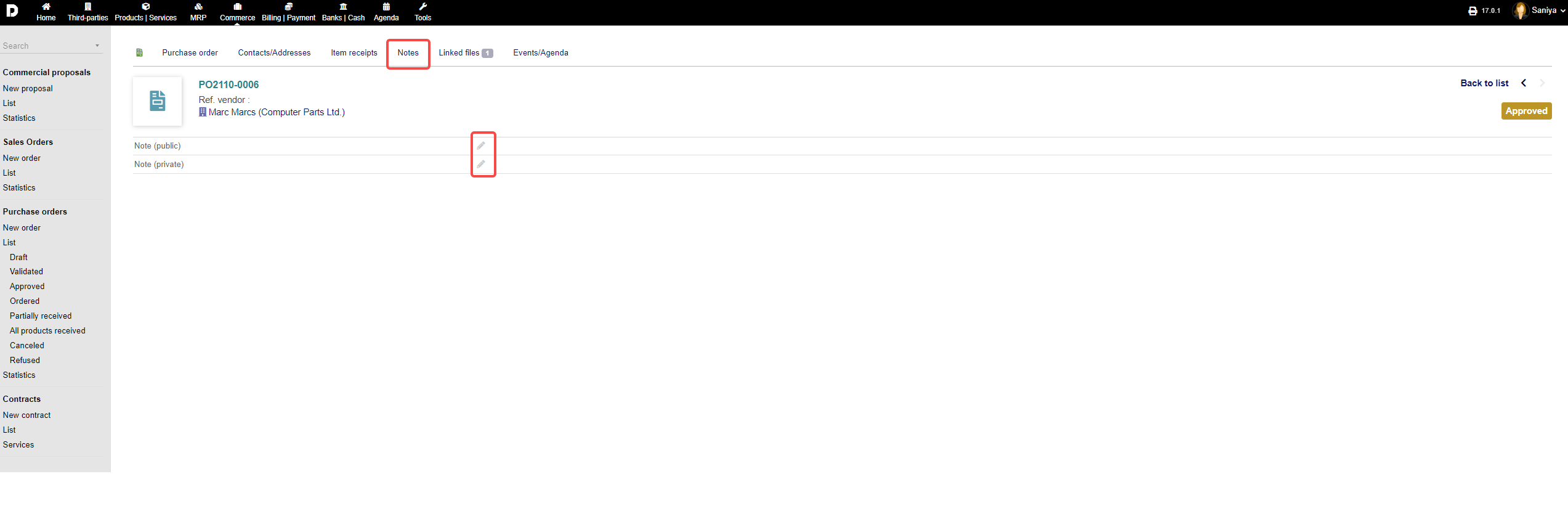
The adding of notes for master data , sales order modules or other modules the procedure for adding/ updating the notes remains same.
For note taking options, the menu tab "Notes" provides a public (everyone can read) and private (only you/certain users can read) note section. To add a note, click on the "pen" icon.
Uploading documents/files under Linked files Tab :
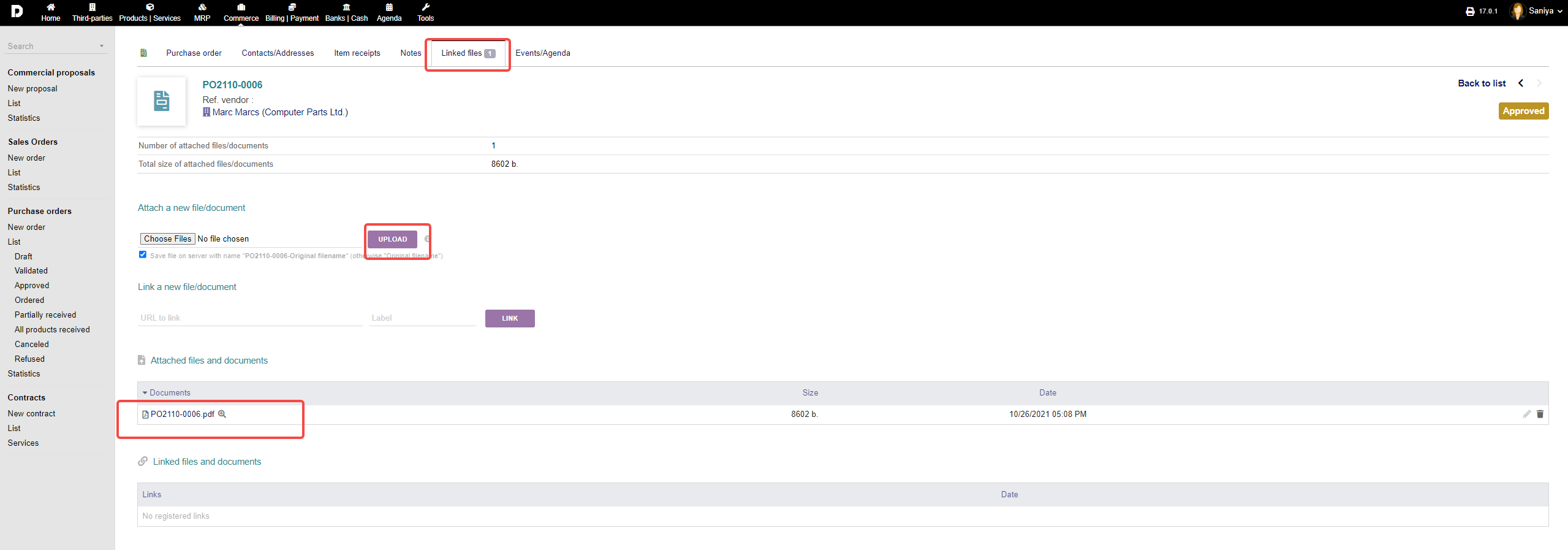
The linking of any document for master data , sales order modules or other modules the procedure for uploading the document remains same.
Any linked files or files you want to upload to link with that process you can see or manage under "Linked files". You can upload files from your PC and click "UPLOAD". Alternatively, you can link a file via URL too. Click "LINK" to finish the process. All documents and links will be shown in listings below. Further overviews attached and liked files/documents are granted below under the respective sections.
Viewing the Events/Agenda Tab :
The events/agendas for master data , sales order modules or other modules the procedure for adding the event/agenda remains same.
Any events/agendas that happened in relation to that product will be documented under "Events/Agenda". You can add a new event by clicking the "CREATE EVENT" icon, filling out the form with all necessary details in the following mask and click "ADD" to finish.