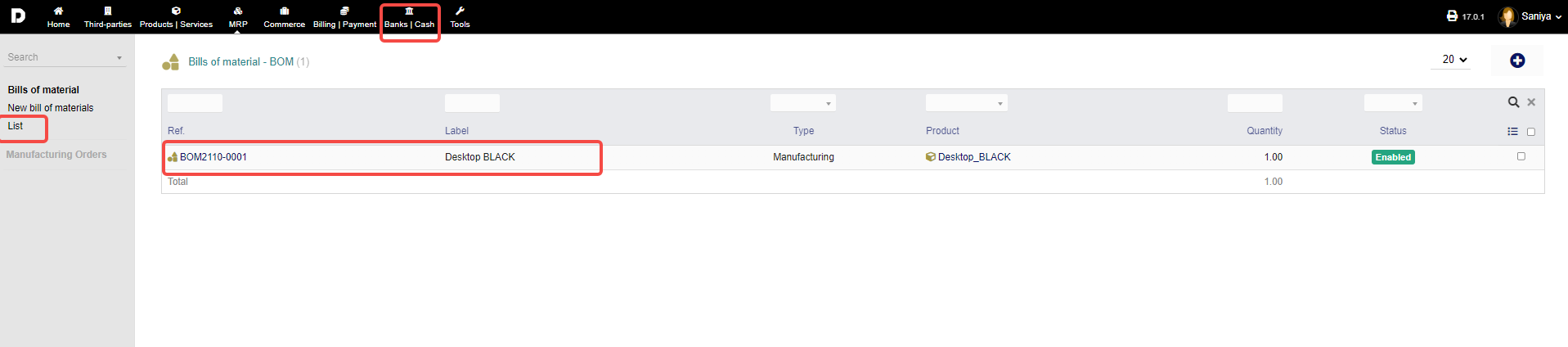
Adding a new bill of material :
To add a new BOM, click on "MRP -> Bills of materials -> New bill of material". Alternatively, you can click the "plus" icon in your above mentioned overviews, on the top right corner.
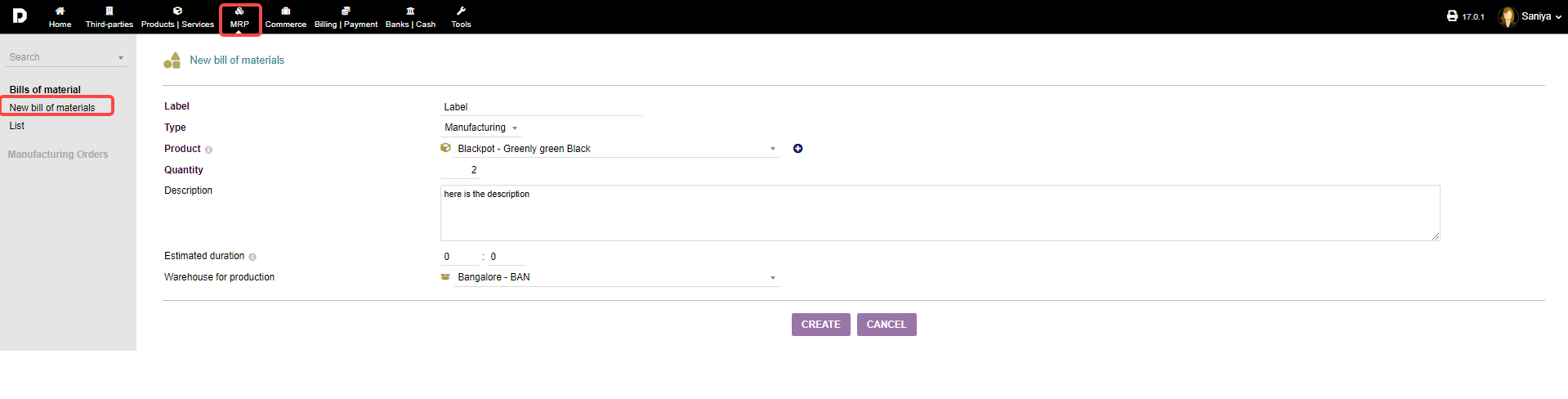
In the following form, fill in a "Label" and choose a "Type" from the drop down menu ("manufacturing" or "disassemble").
Next, choose a "Product" from the drop down menu. If your desired entry isn't present, click the small "plus" icon next to the drop down menu (NOTE: this is for creating products only. If you want a new service, you have to create it under the products/services module natively).
Specify a "Quantity" that needs to be manufactured or disassembled and give a "Description", if necessary.
Finally, Enter an "Estimated duration" time for the process and choose the "Warehouse for production" where all of the manufacturing/disassembly should take place.
Click "CREATE" to finalize the process of adding a new BOM.
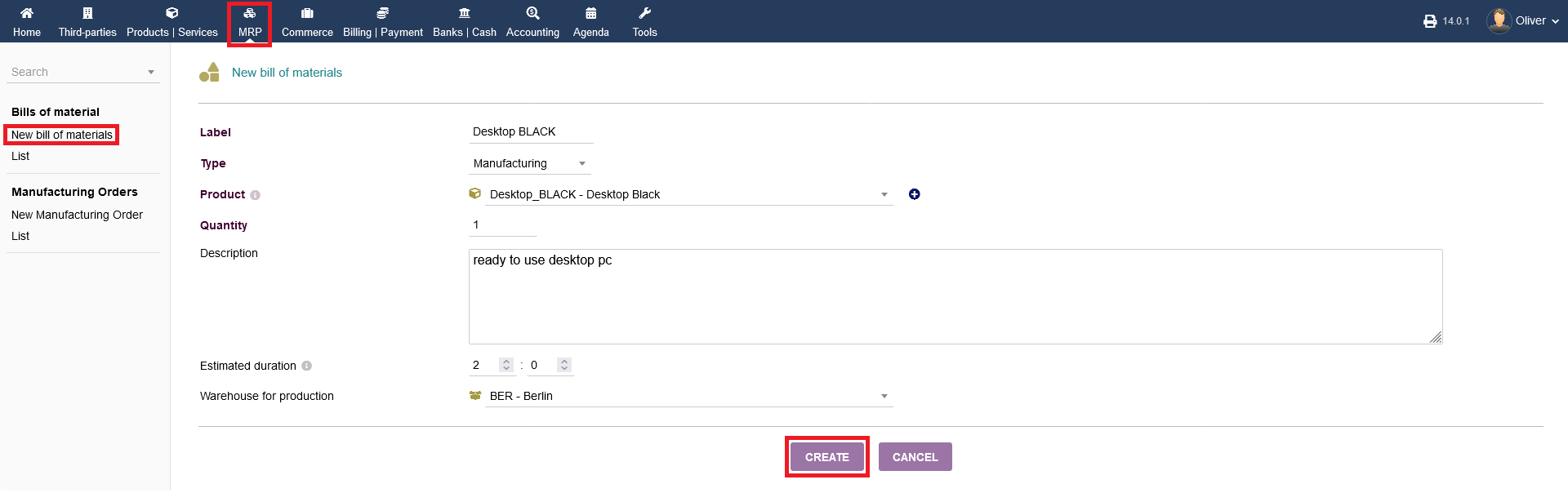
List : The added bill material will be displayed when you click on "List".