Overviews:
Bank | Cash Section :
To get a birds eye view over your bank accounts and money transfers, click on "Banks/Cash -> Banks/Cash". You will achieve the same by going to the menu section "Bank accounts".
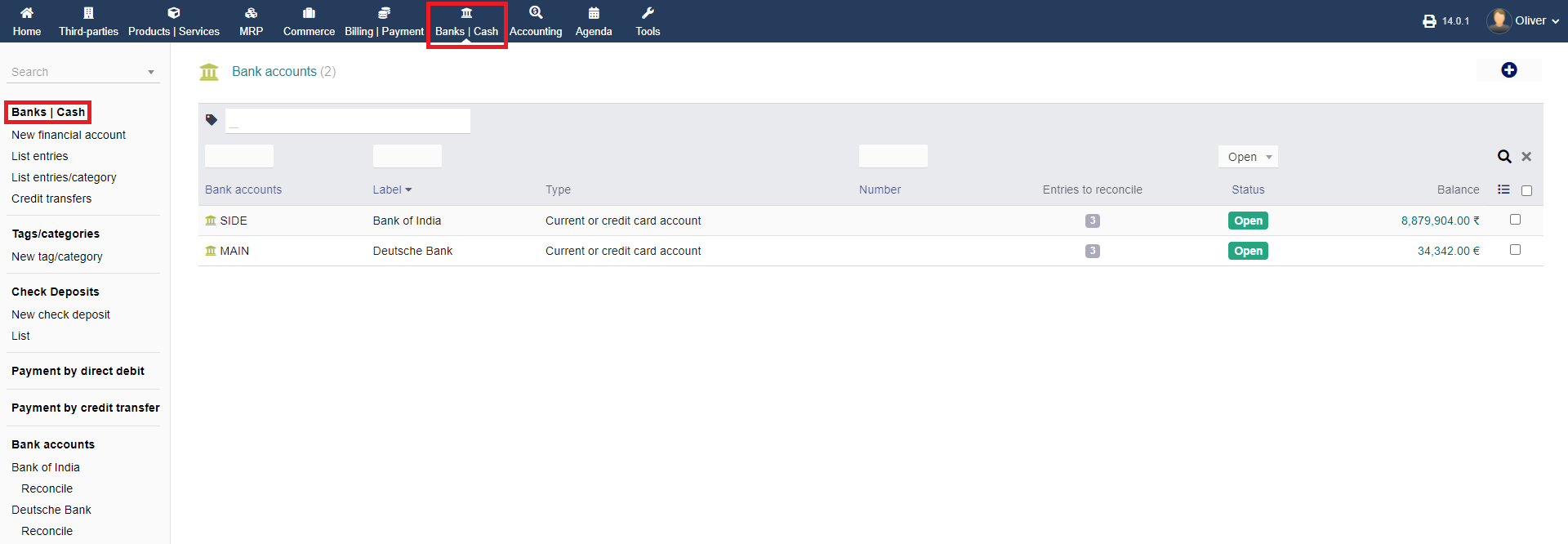
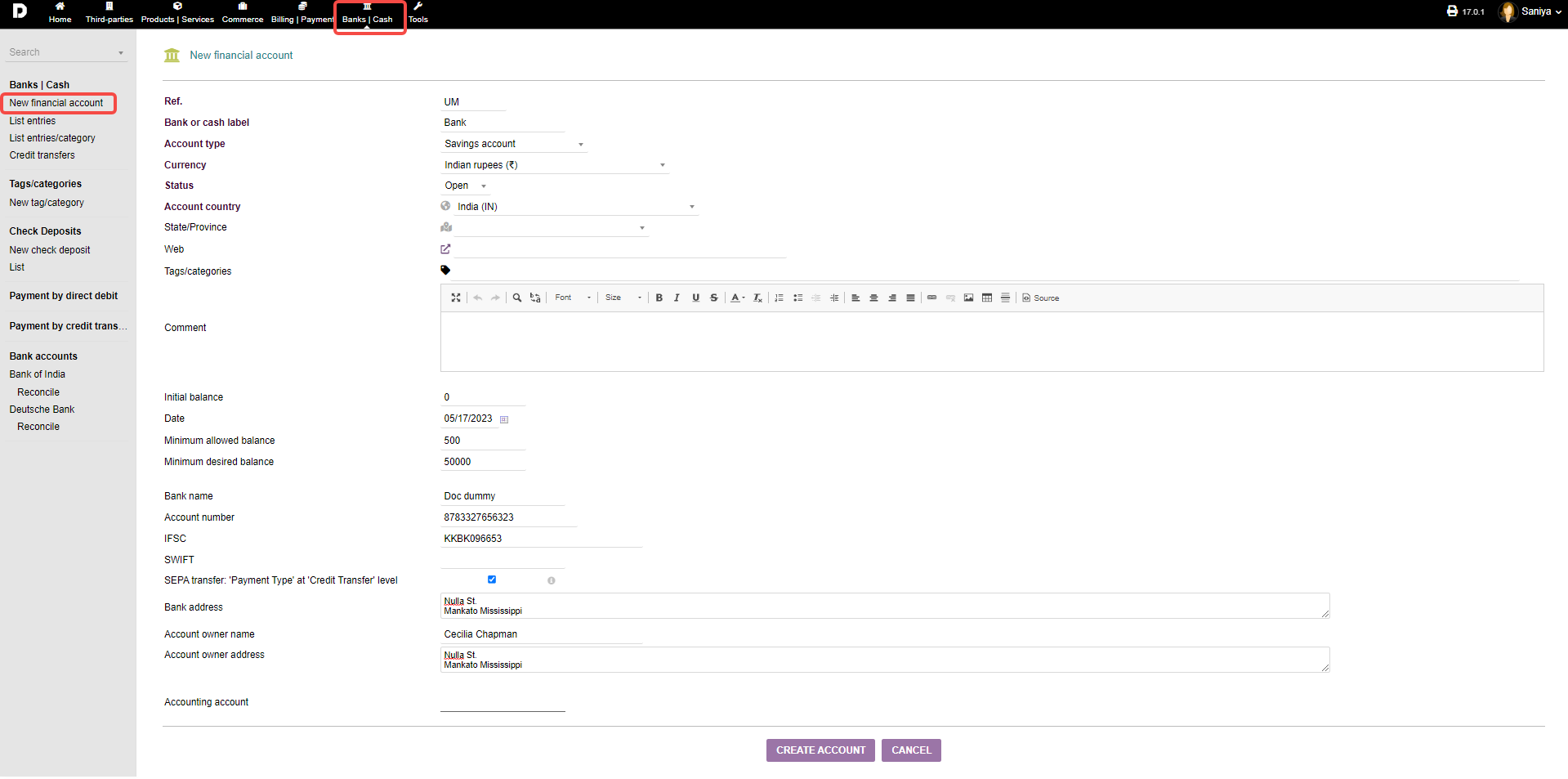
1. New Financial account : By clicking on this it will help you add a new bank account. To know how to add a bank account check this article .
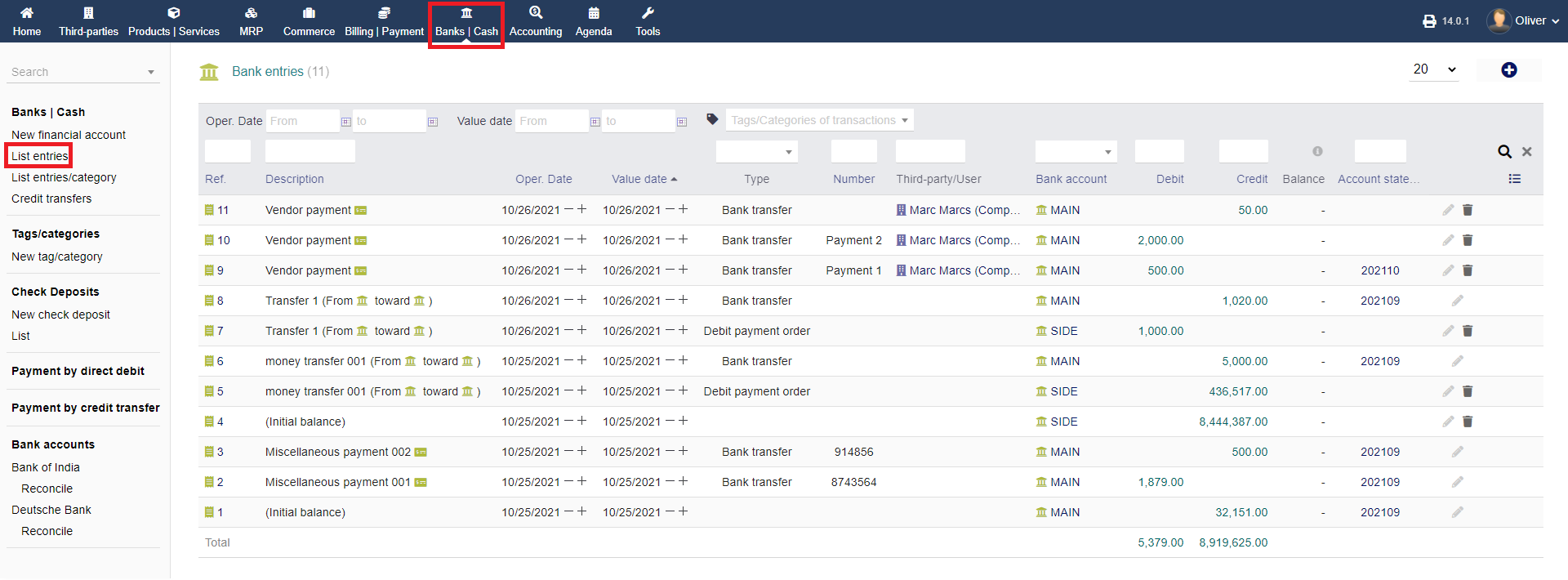
2. List entries & List entries/category : You can view all the banks/cash accounts added the list of all activities related to the bank account .
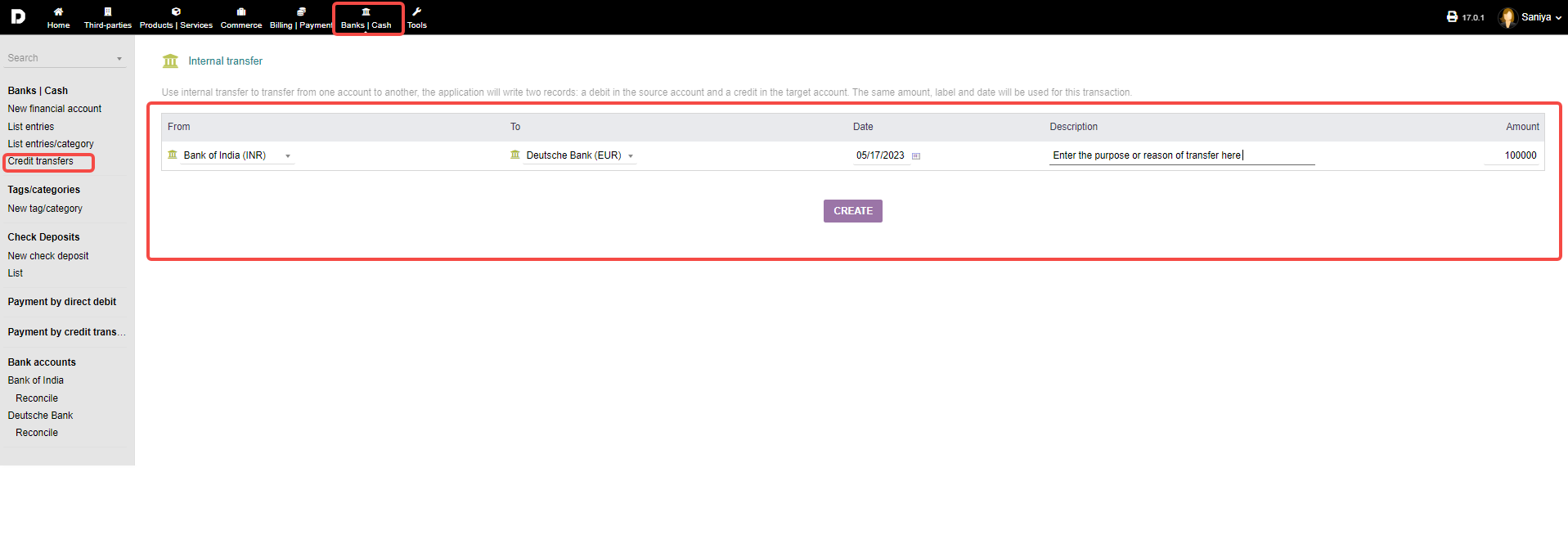
3. Credit Transfer : This option helps you choose "From" and "To" that is from which account you want to transfer and credit which account . To more about this check this article.
Check Deposits Section :
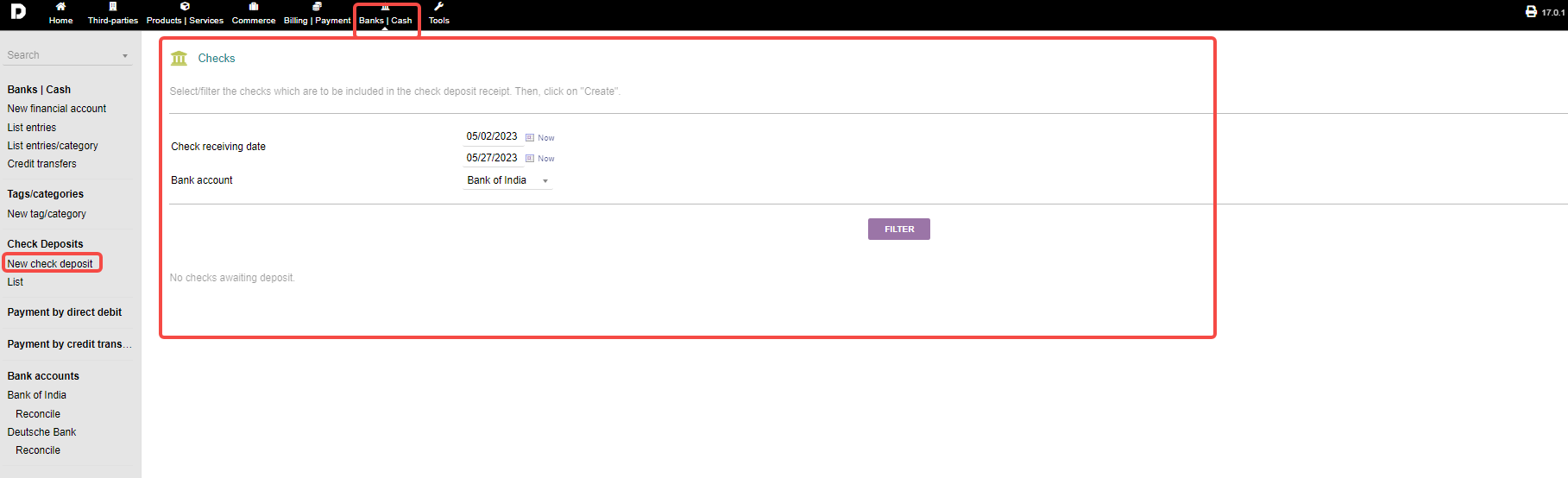
1. New check deposits : This allow you to check how many deposits took place in particular bank account based on dates .
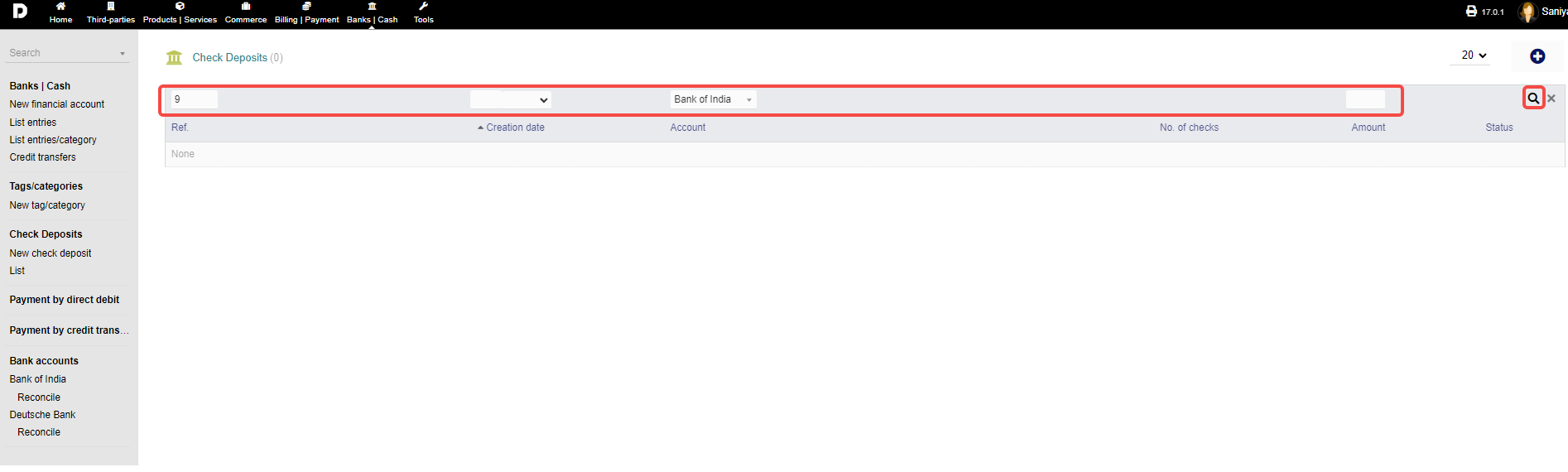
2. List : This will give you an over view of the data deposits based on filters data by Year , Ref number , Account once entered any 1 or 2 options from the header click on "Search" button .
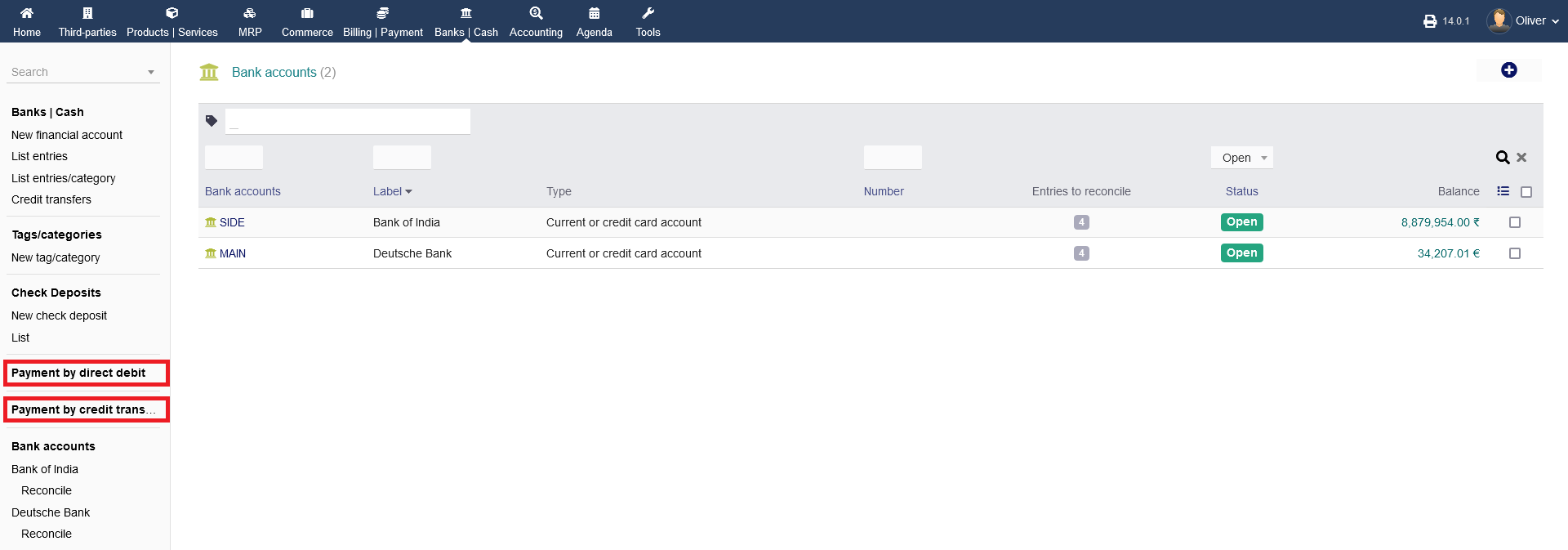
3. You can handle your "Payments by direct debit" and "Payments by credit transfer". These options only work properly, when a receiving bank account is setup under the modules configuration settings under "Home -> Setup -> Modules/Applications".
Bank account section :
Click on bank accounts it will give the list of bank account present in your system .
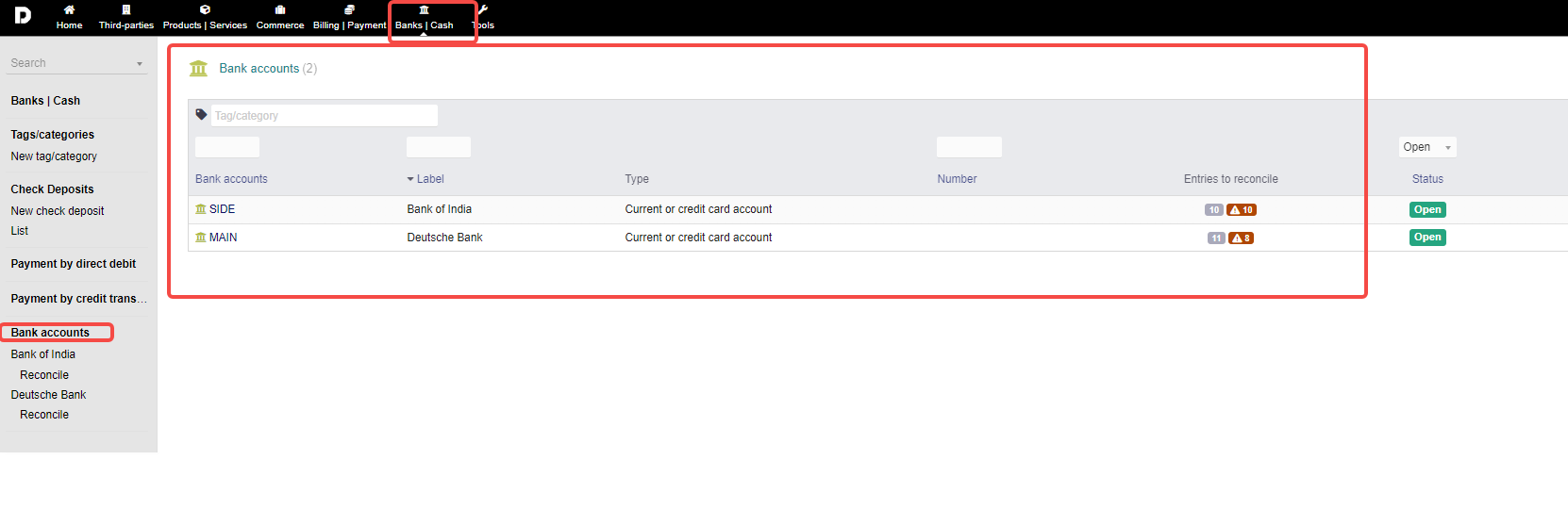
You can see the bank name you have added eg: "Bank of India " and its "Reconcile" to more about this section read this article .