Contacts Addresses
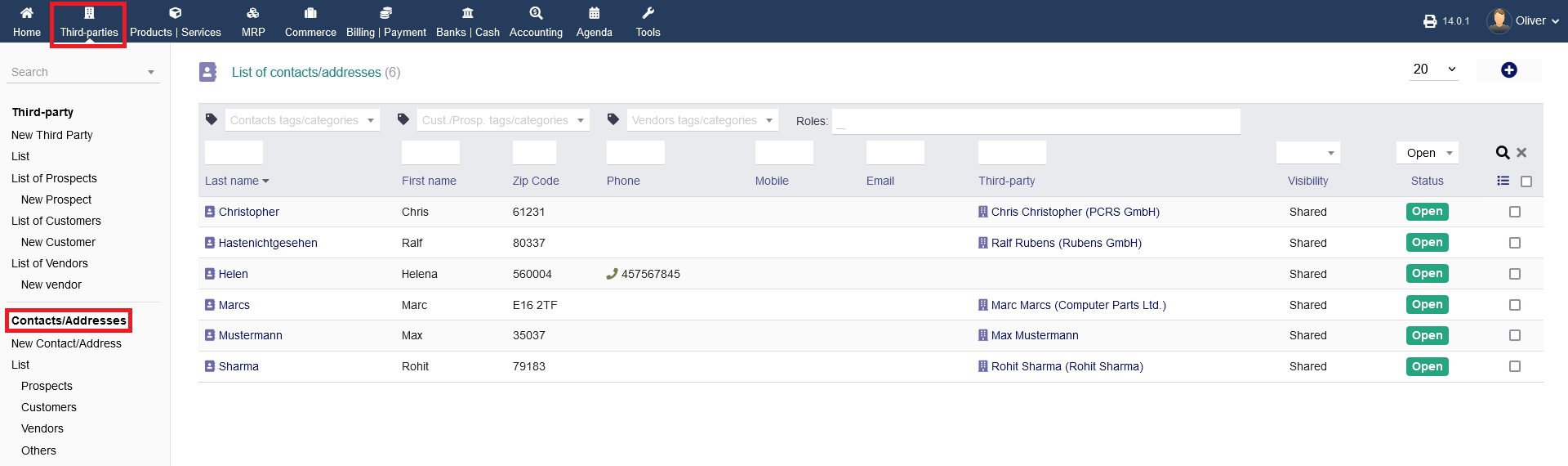
Additionally to your third party options, you can manage further contacts and addresses. This is helpful, if one third party has more than one address and/or contact (e.g. HQ-address and warehouse addresses). These entries generally exist separately to your third parties but can be linked within the contact/address creation process. To get an birds eye view of all contacts/addresses, click on "Contacts/Addresses".
Overviews:
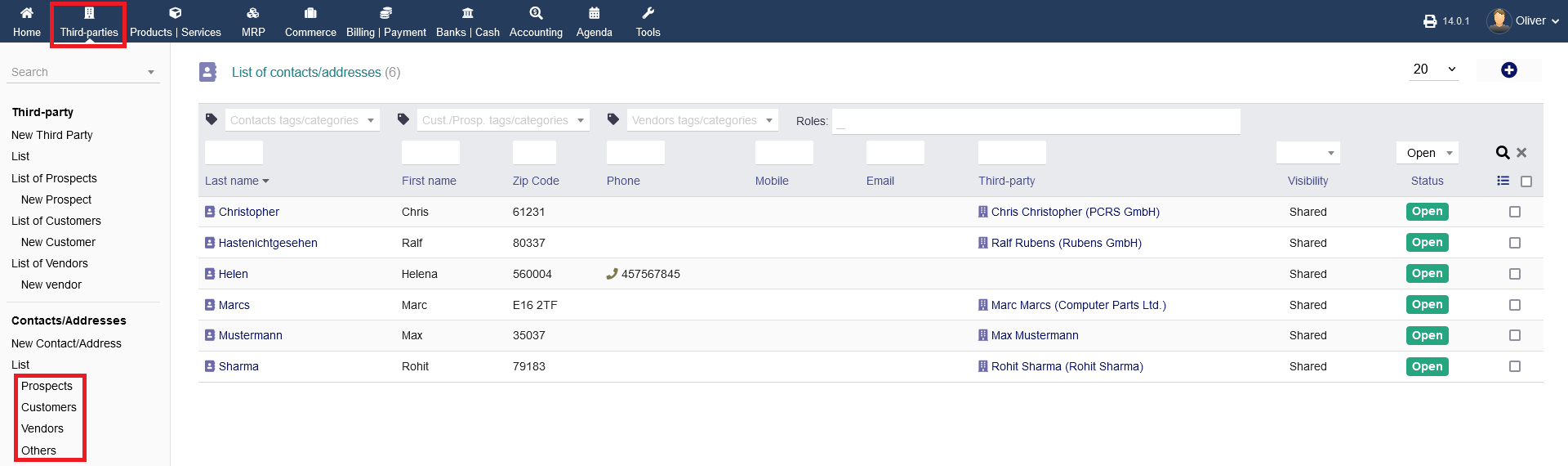
Other then having the birds eye view (mentioned above), you can have categorized listings, sorted for prospects, customers, vendors and others. There, you can setup a new contact within the respective category by clicking the "plus" icon. It will lead you to the same form as mentioned under this article
Creating a new contact/address :
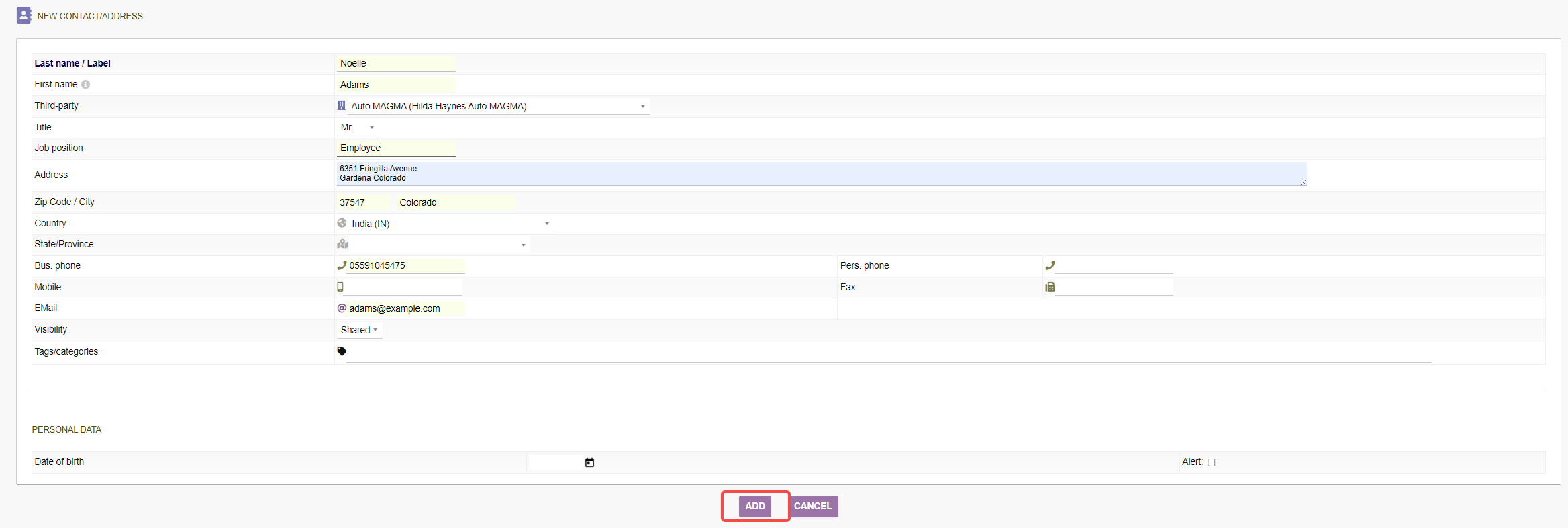
To create a new contact/address, click on "New Contact/Address". Fill out all details in the upcoming form. If you are setting up an contact/address for an existing third party, you can select the third party contact under the section "Third-Party". By pre-selecting the country, you get the option "Copy address from third-party details" to copy over all details from your third party details. When you are done, click "ADD".