After the installation process, you can login into your intERP software.
1.1 Login
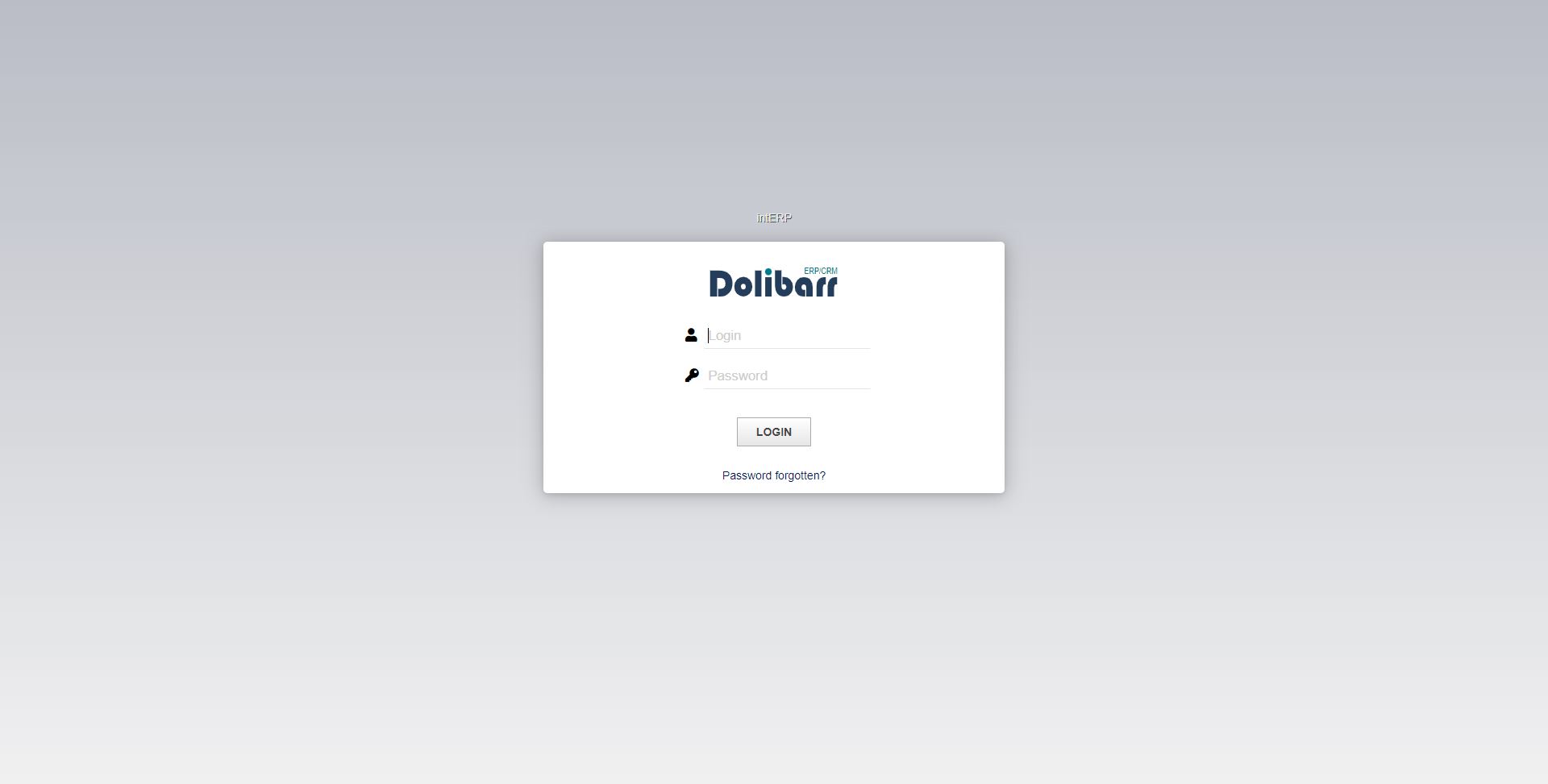
Fill in your user or admin details in order to get access to the software and click "LOGIN".
If you forgot the password for your user or admin account, you can restore it by clicking on the option"Password forgotten?".
1.2 Dashboard
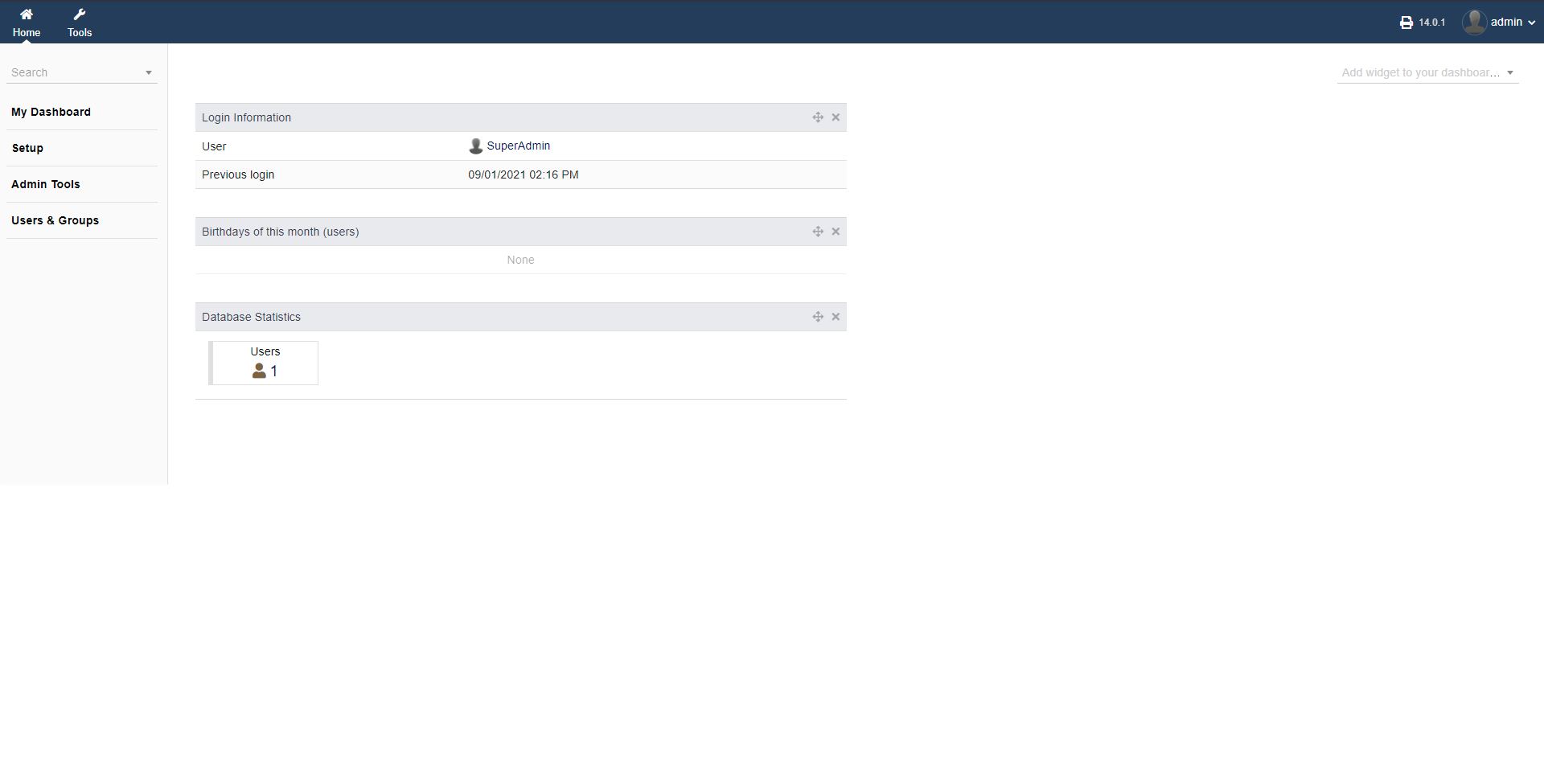
After logging in successfully, you are greeted by the dashboard overview.
The top bar (left to right) is showing your tools and modules as well as your current version of intERP you are running and your user/admin account.
Clicking on your user/admin account symbol, you get your basic company and user/admin information as well the "Logout" option.
The left side panel (top to bottom) is showing you basic functionalities menu, offering a search functionality too. There you can set up all basic information to intERP via "Setup", "Admin Tools" and "Users & Groups".
The main screen offers all basic information, which is totally customizabl. You can add a widget, to your dashboard screen to tailor your initial overview information to you needs.